
The complete CRM
for contacts, companies,
and your team
Every Driftwood account starts with everything you need to manage your network — contacts, companies, activity tracking, team collaboration, insights, and a full API for integrations and AI agents. No add-ons. No extra cost.
Contact Management
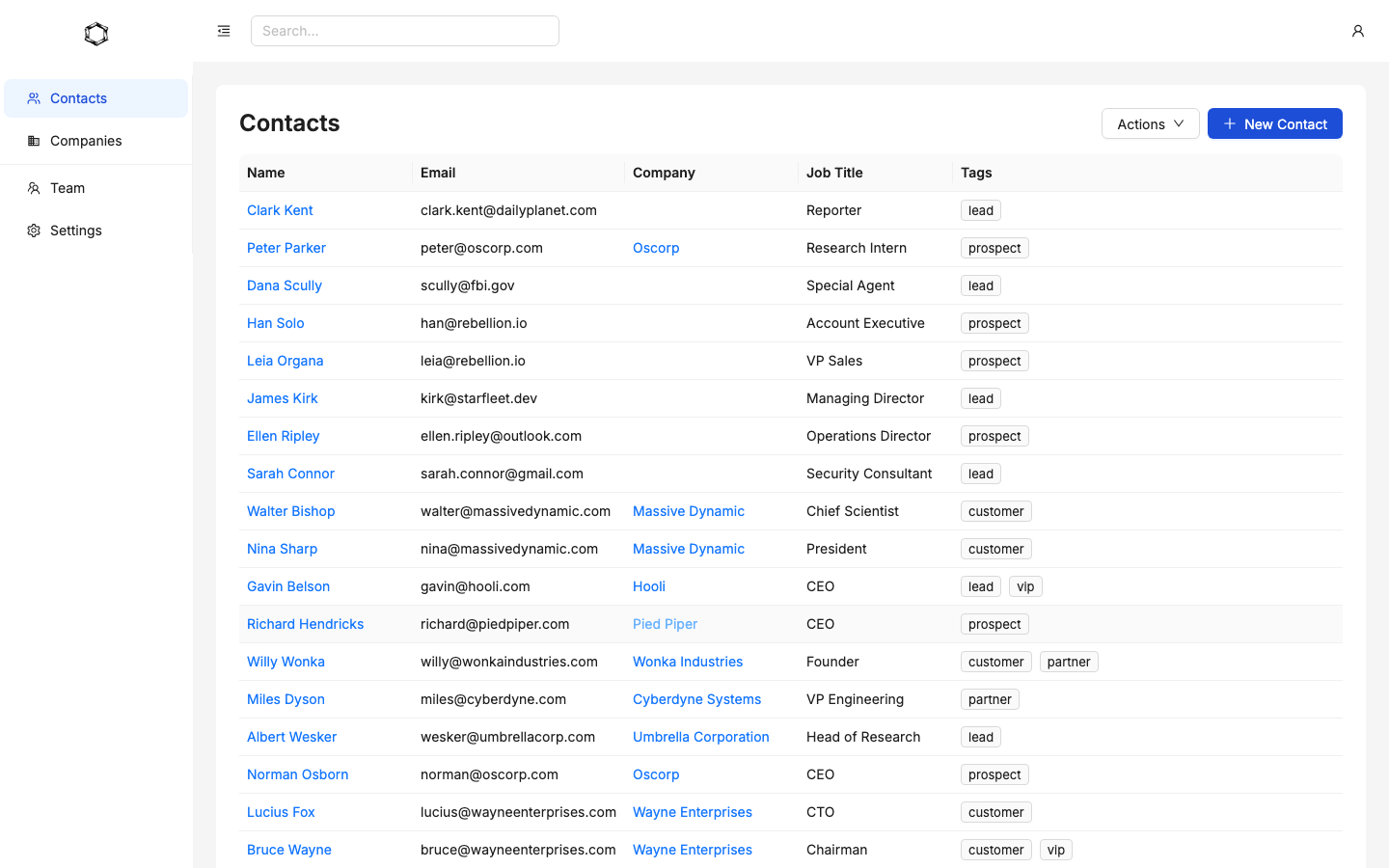
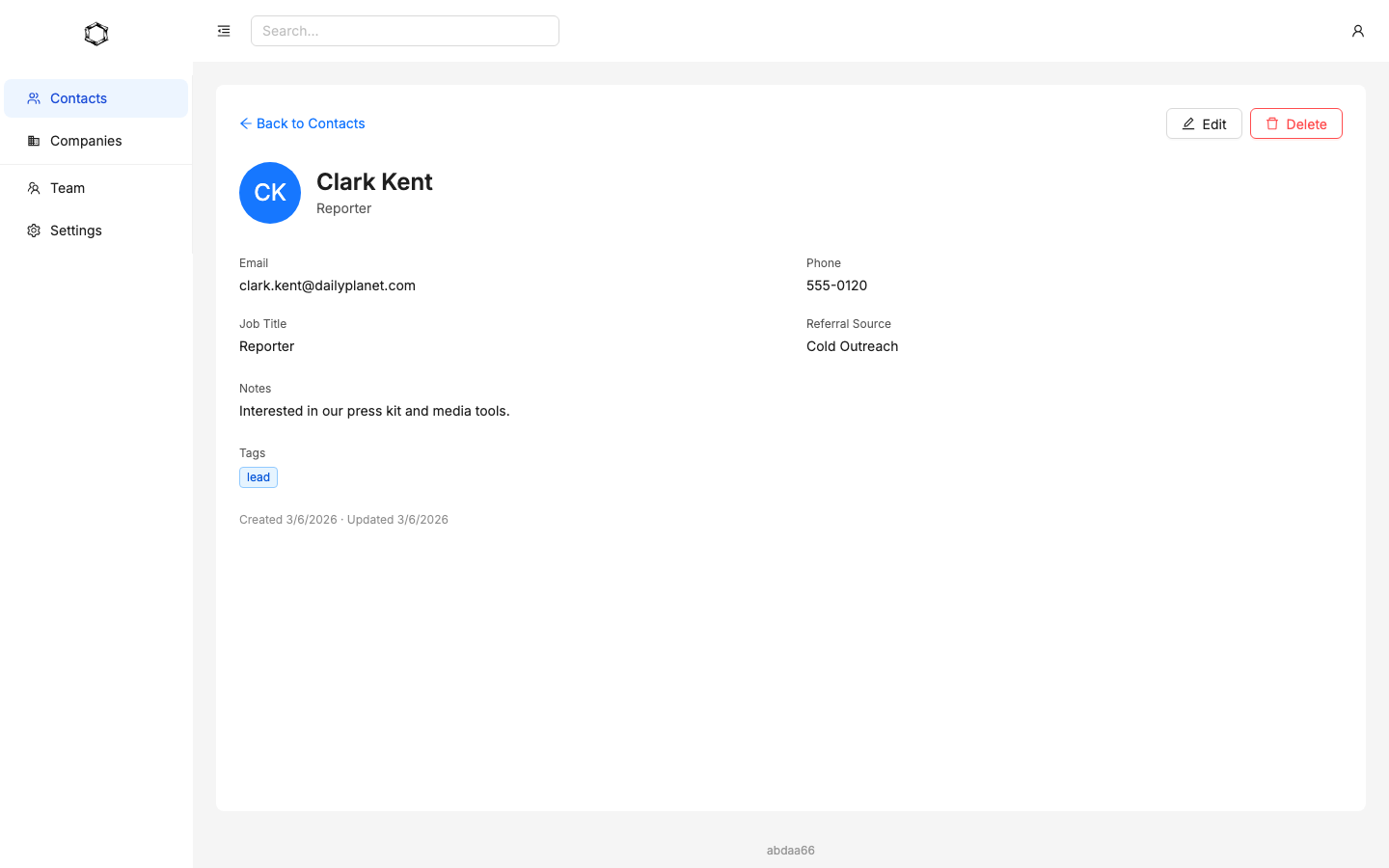
Your contacts are the heart of your CRM. Driftwood gives you a fast, flexible contact database with custom fields, tags, full-text search, and a complete activity history on every record. Import thousands of contacts from CSV in minutes.
Company Tracking
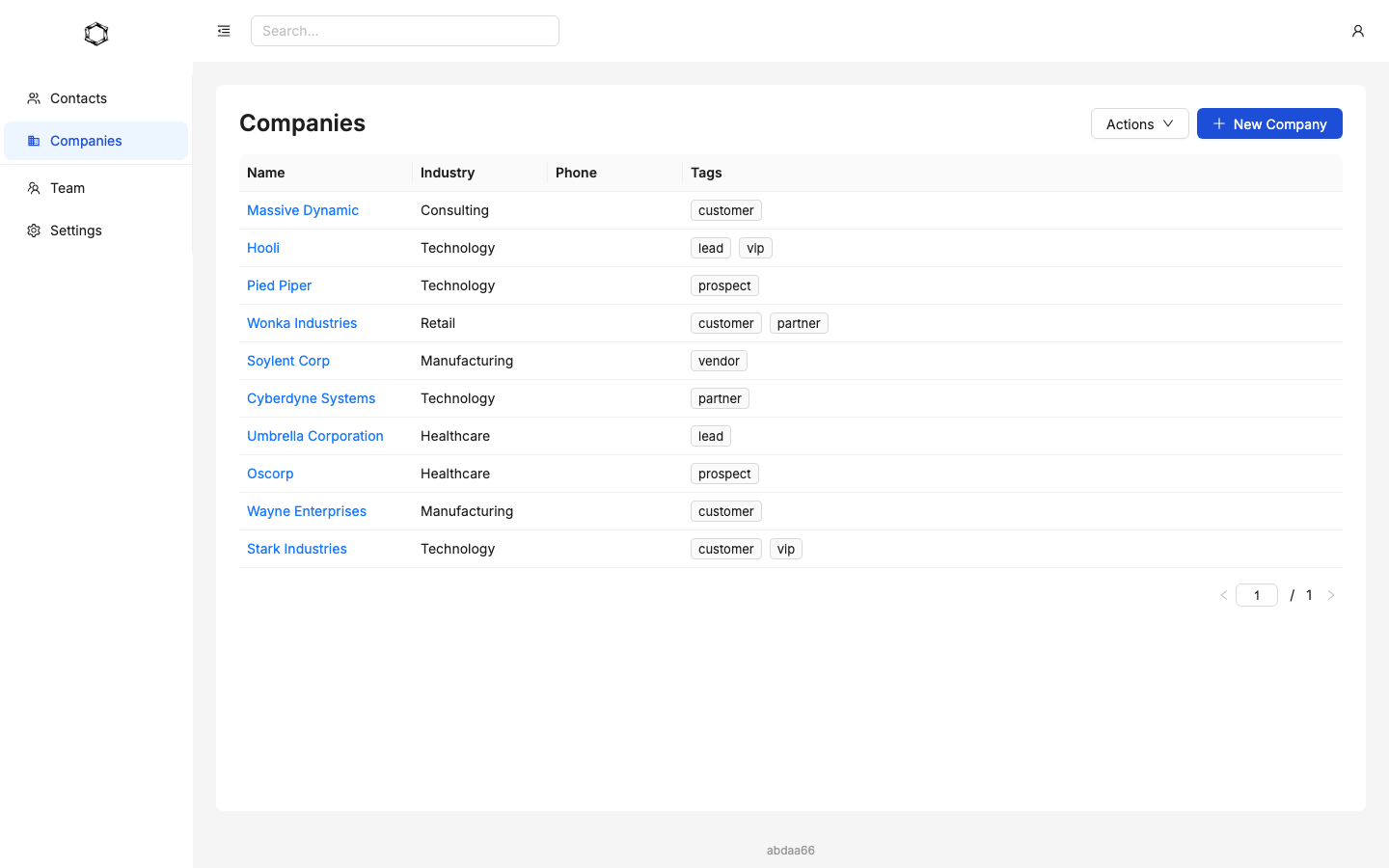
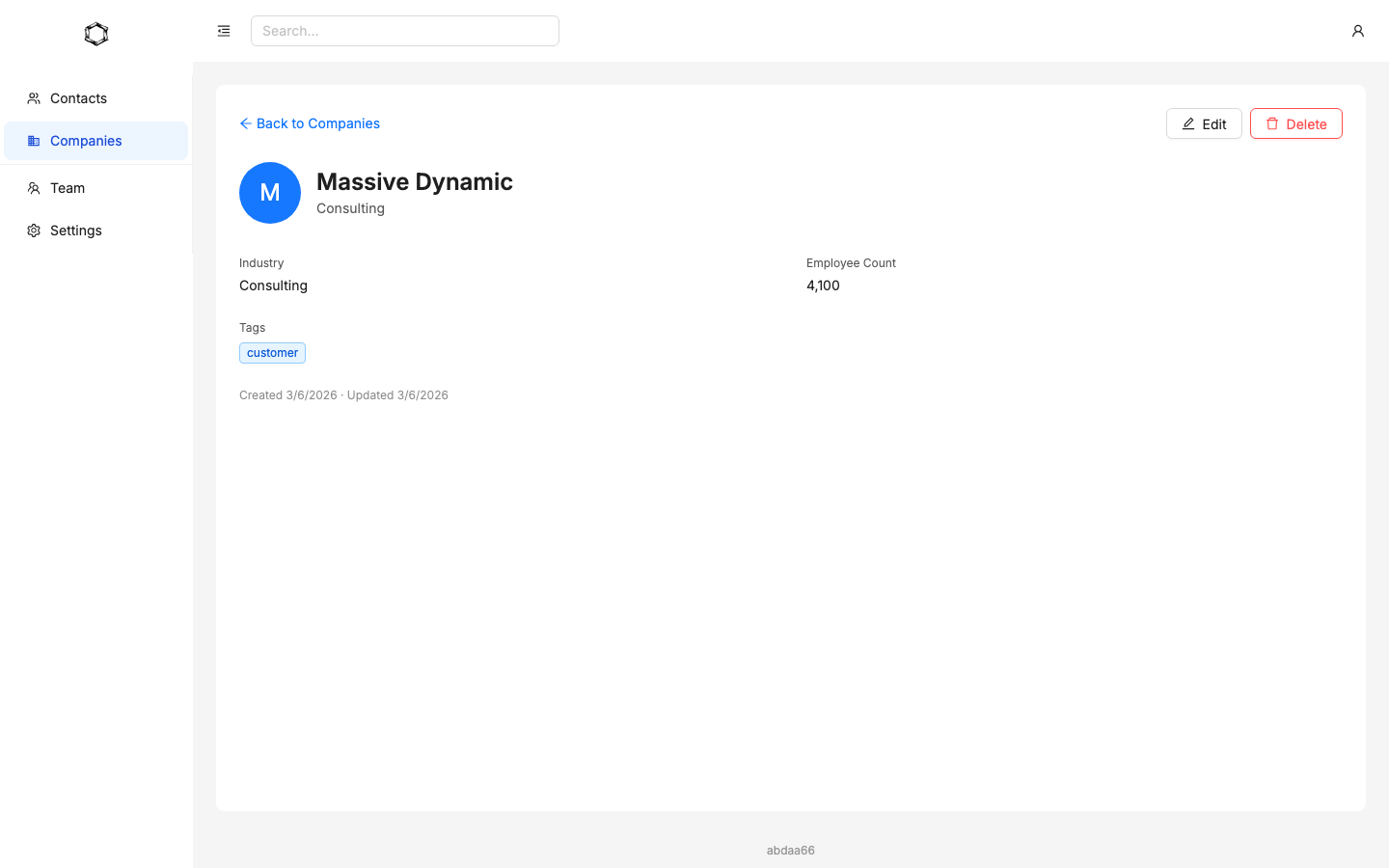
See the full picture of every business relationship. Link contacts to companies, track industry and revenue data, and keep your whole team aligned on who you're working with. Companies are shared across your organization — everyone sees the same up-to-date information.
Activity Timeline
Every call, email, meeting, and note is logged on a chronological timeline — attached to the right contact, company, or project. Your team always knows what happened last and what needs to happen next.
Calls
Log direction, outcome, duration, and notes for every call.
Emails
Track sent and received emails with subject and body. Auto-capture via BCC.
Meetings
Record subject, location, duration, and outcome.
Notes
Add freeform notes to any contact, company, or project.
BCC and it's tracked
Every account gets a unique BCC email address. Add it to any outgoing email and the message is automatically logged as an activity on the matching contact. No plugins, no extensions — just BCC.
- Unique BCC address per account
- Auto-matches emails to contacts
- Block specific senders or domains
- Rotate your BCC address anytime for security
Users & Team Management
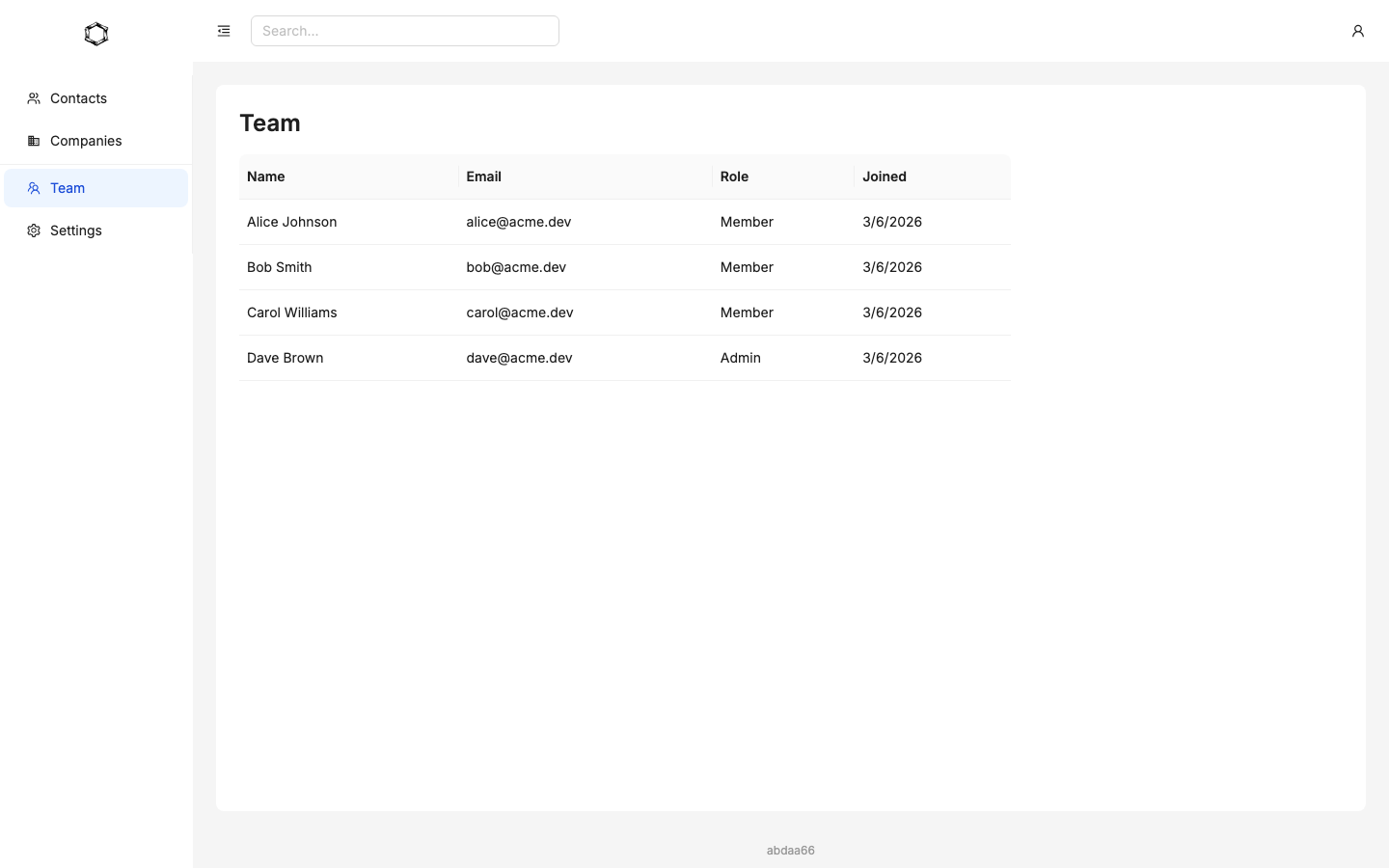
Invite your entire team and organize them into groups with the right level of access. Driftwood makes it easy to onboard new team members and control who sees what — without losing data when someone leaves.
Insights & Reporting
Understand how your network is growing. Dedicated dashboards for contacts and companies show summary metrics, growth trends, and breakdowns by source, tag, and industry — with automatic period-over-period comparisons so you can spot what's working.
Summary Cards
Total and new counts with deltas vs. the previous period.
Growth Charts
Visual trends with previous-period overlay for easy comparison.
Source Breakdowns
See which referral sources, tags, and industries drive the most contacts.
Flexible Time Ranges
7 days, 30 days, 90 days, 6 months, 12 months, or custom date range.
CSV Import
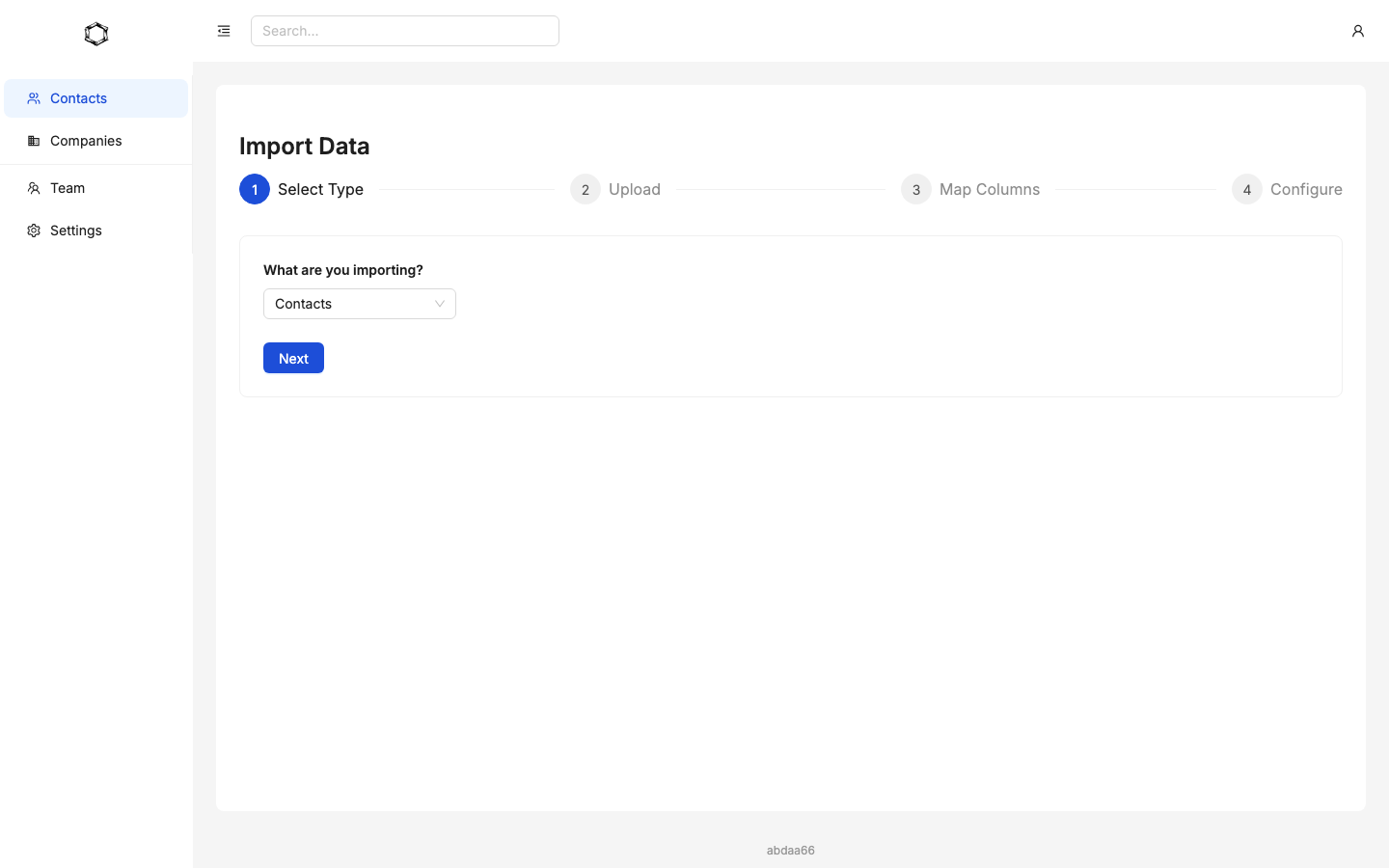
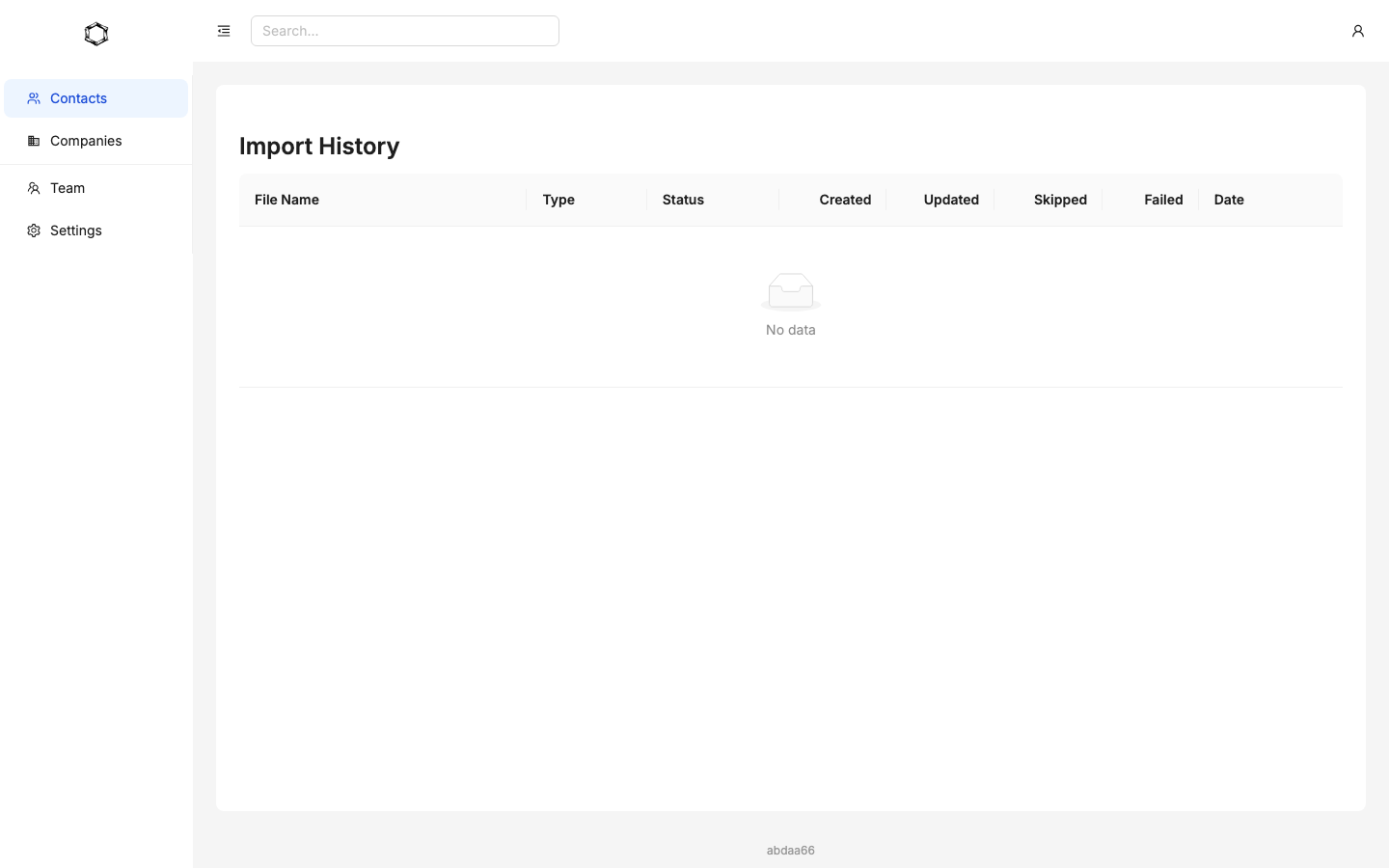
Migrating from a spreadsheet or another CRM? Upload a CSV and Driftwood walks you through column mapping, previews your data, and tracks errors row by row. Import contacts, companies, and referral sources in minutes.
Upload
Drag and drop your CSV file.
Map columns
Match your columns to Driftwood fields. We suggest mappings automatically.
Preview & confirm
Review sample rows and fix errors before processing.
Done
Your data is in. Check import history anytime.
API & AI Agent Access
Driftwood has a full API with OAuth 2.0, API tokens, and real-time webhooks. Your developers can build custom integrations — and your AI assistants can create contacts, log activities, update companies, and trigger workflows programmatically. Most CRMs aimed at small teams don't offer a real API. Driftwood does.
OAuth 2.0 Apps
Create client credentials for secure server-to-server access. Client secret shown once at creation.
Real-Time Webhooks
12 event types across contacts, companies, activities, and projects. HMAC-signed payloads with delivery history and retries.
AI & LLM Ready
Let your AI agents read and write CRM data through the API. Automate lead capture, activity logging, and data enrichment.
API Documentation
Comprehensive docs covering every endpoint with examples. View docs →
See Driftwood in action
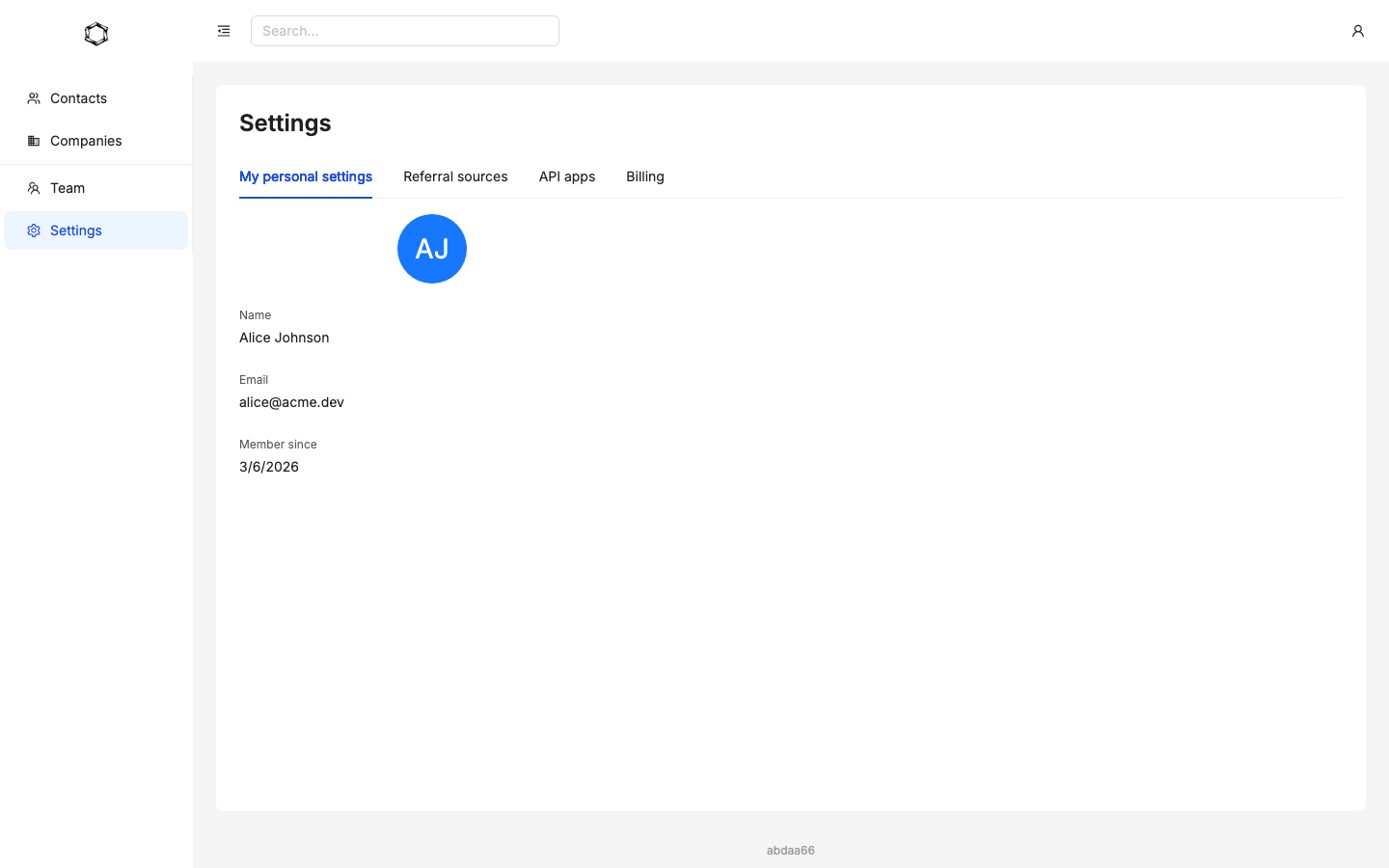
A fast, focused interface for managing contacts, companies, and your team — on web and iOS.
The foundation for everything
These core features are powerful on their own — but they're also designed to power Driftwood's product modules. Sales, Client Services, Partnerships, and Investor Relations all build on top of your contacts, companies, activities, and team infrastructure. Start with the core, then add modules as your needs grow.
Explore Products →Everything you need to manage
your contacts and team
Create your free account. No credit card required.
Create Free AccountWant more? Add Sales, Client Services, Partnerships, or Investor Relations modules anytime.